/emil-design-eng
Design Engineering
The main skill. If you don’t know which skill to use, use this one. It does a lot of things well, but is not as focused as the others.
Updated November 2, 2026
What it does
- Decides whether something should animate at all, based on how often people see it, and in what context
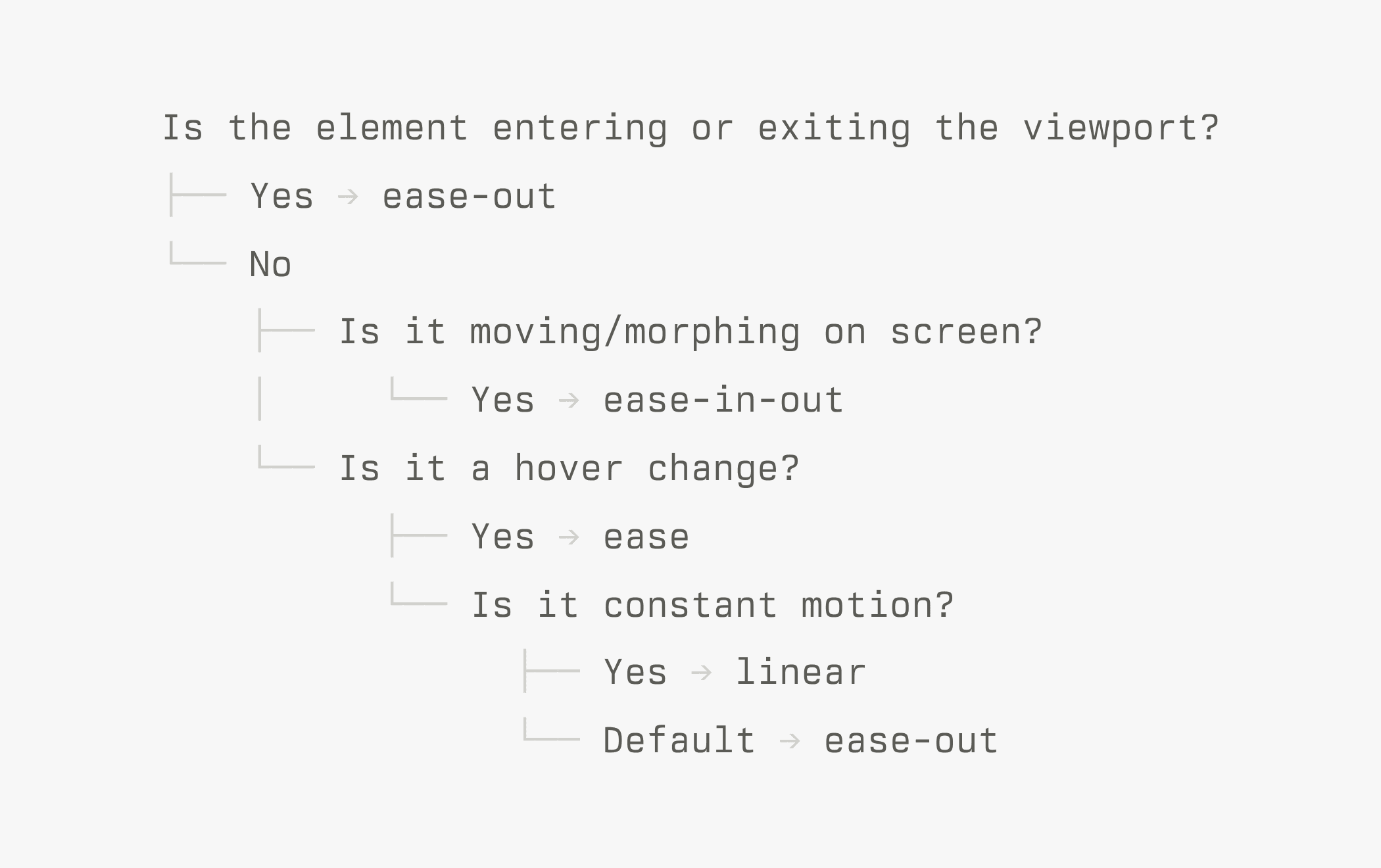
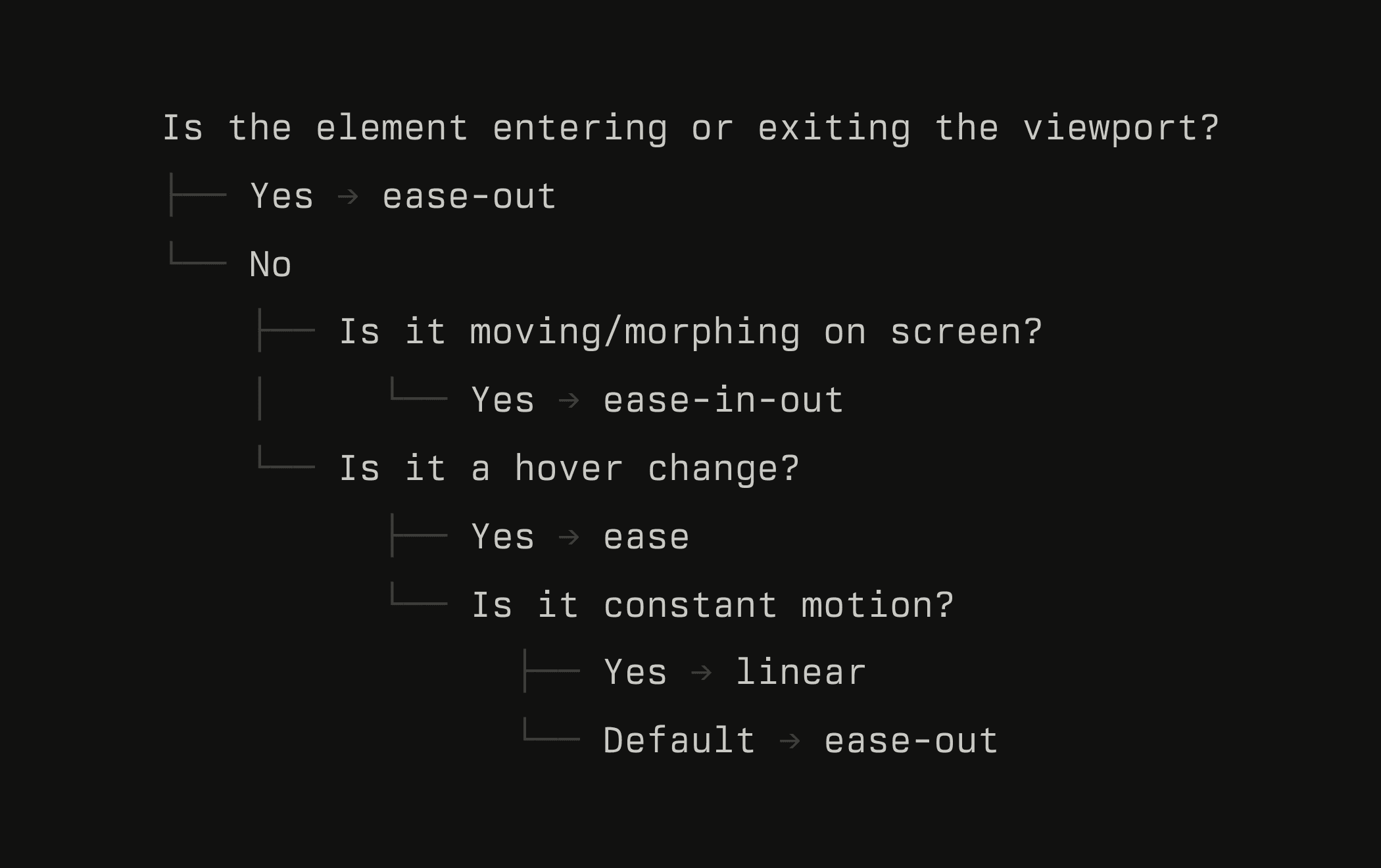
- Picks easing, duration, and springs, with custom curves like
cubic-bezier(0.23, 1, 0.32, 1)over the built-in ones - Builds components that feel responsive: press states, origin-aware popovers, and tooltips that skip the delay once one is open for better UX
- Reviews in a Before, After, Why table, so you can look at all the changes and understand the reasoning behind them (and learn at the same time!)
When to use it
Use it whenever it’s hard to pick a specific skill for the task, when a task is pretty broad for example. The more specific skills like /animate or /animation-performance will be better at specific tasks, as they contain more detailed knowledge on a specific topic.
What the skill changed
It can do a lot of things, so the example here could’ve been anything really. In this case, it fixes the delay on a tooltip.
Tooltips should have a delay before appearing to prevent accidental activation. Once a tooltip is open, hovering over other tooltips should open them with no delay and no animation. This feels faster without defeating the purpose of the initial delay.
Example prompts
You don’t need special wording. Describe the problem the way you’d describe it to a teammate. Here are some more to try on your own product.
The course behind these skills
These skills come from what I teach in AI for UI. Join the waitlist to get two lessons and be the first to know when enrollment reopens on December 8.
Two preview lessons
 AI for creative work
 How to write good skills