
/animate
Animate
Builds an animation from scratch while making the right decisions in the right order: whether to animate, why, with what, which properties, curve, and duration.
Updated November 2, 2026
What it does
- Asks whether it should animate at all before doing anything else
- Picks the best tool that works: CSS transition, keyframes, WAAPI, or Motion
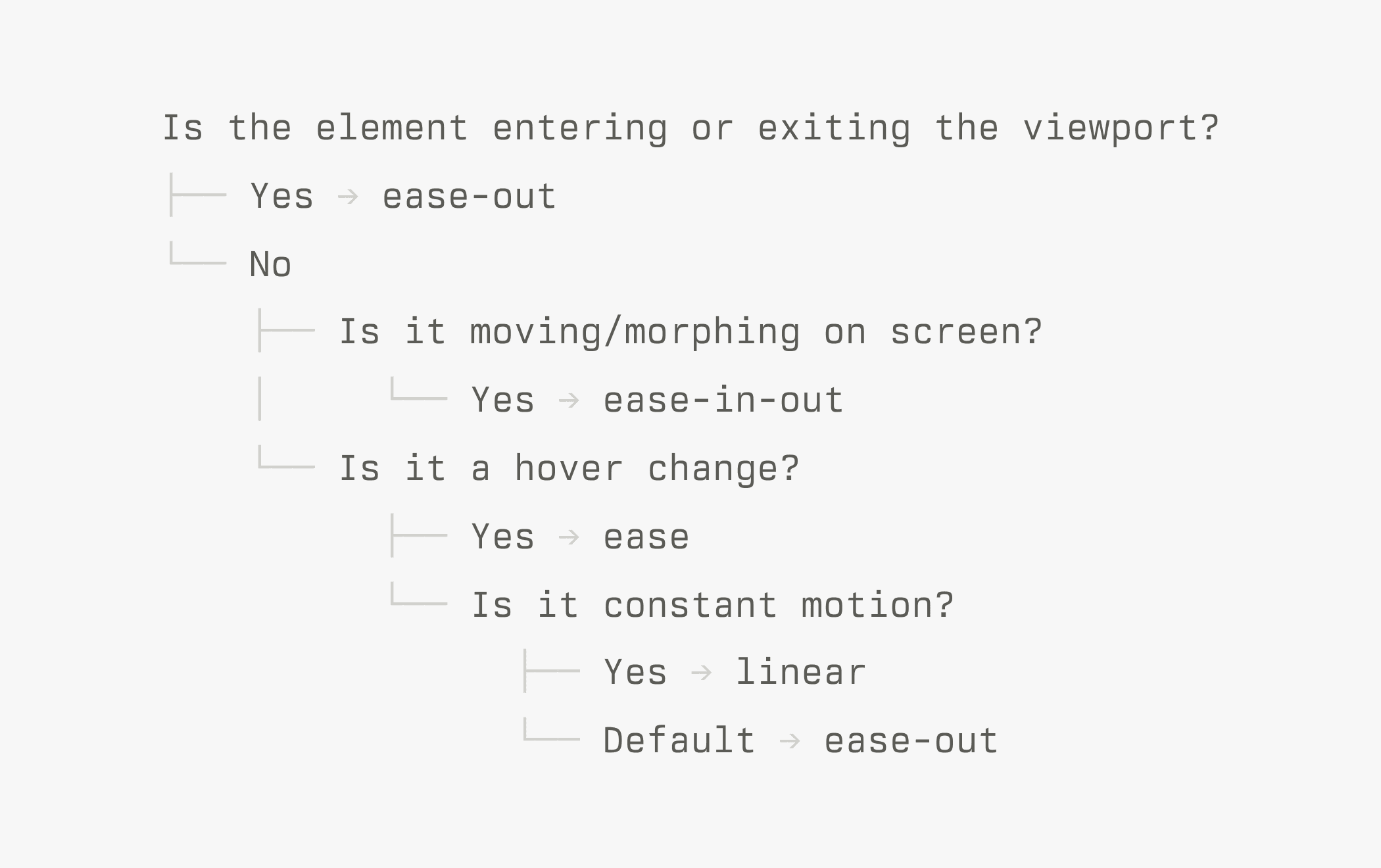
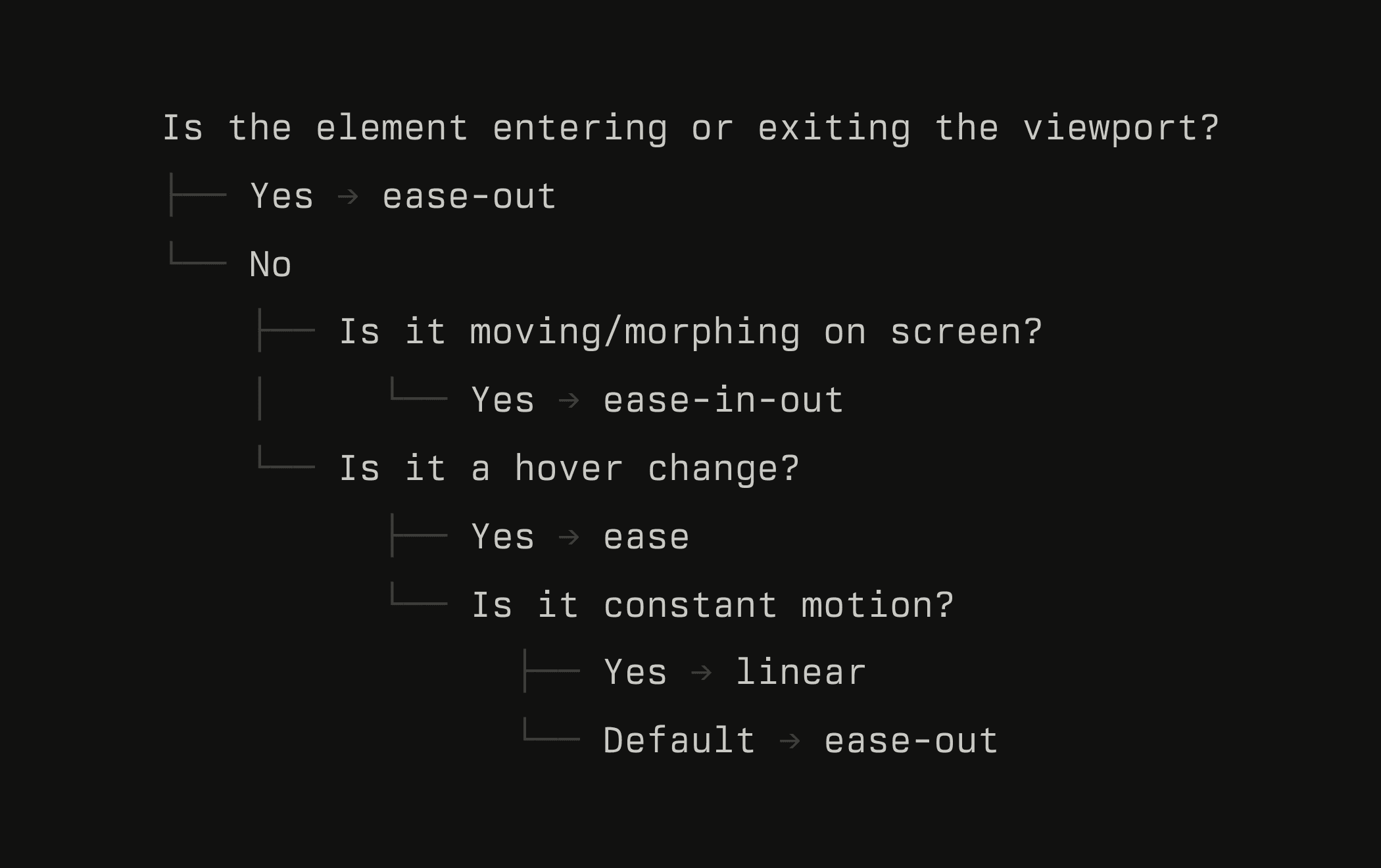
- Chooses the properties, easing curve, and duration based on the best practices and context of the animation
- Keeps it interruptible and safe under reduced motion
When to use it
It’s quite simple. Use it when you want to animate an element and want to do it right.
What the skill changed
Without the skill, the dialog animates out of nothing and uses the ease-in easing, making the animation feel slow. With the skill, it starts nearly full size and decelerates into place with an ease-out curve. In short, it makes all the right decisions for you.
Example prompts
You don’t need special wording. Describe the problem the way you’d describe it to a teammate. Here are some more to try on your own product.
The course behind these skills
These skills come from what I teach in AI for UI. Join the waitlist to get two lessons and be the first to know when enrollment reopens on December 8.
Two preview lessons
 AI for creative work
 How to write good skills